General food and lifestyle guidance only. Follow current labels and official food-safety guidance. Discuss allergies and dietary needs directly. Alcohol is not appropriate for everyone; follow local law and never drink before driving.
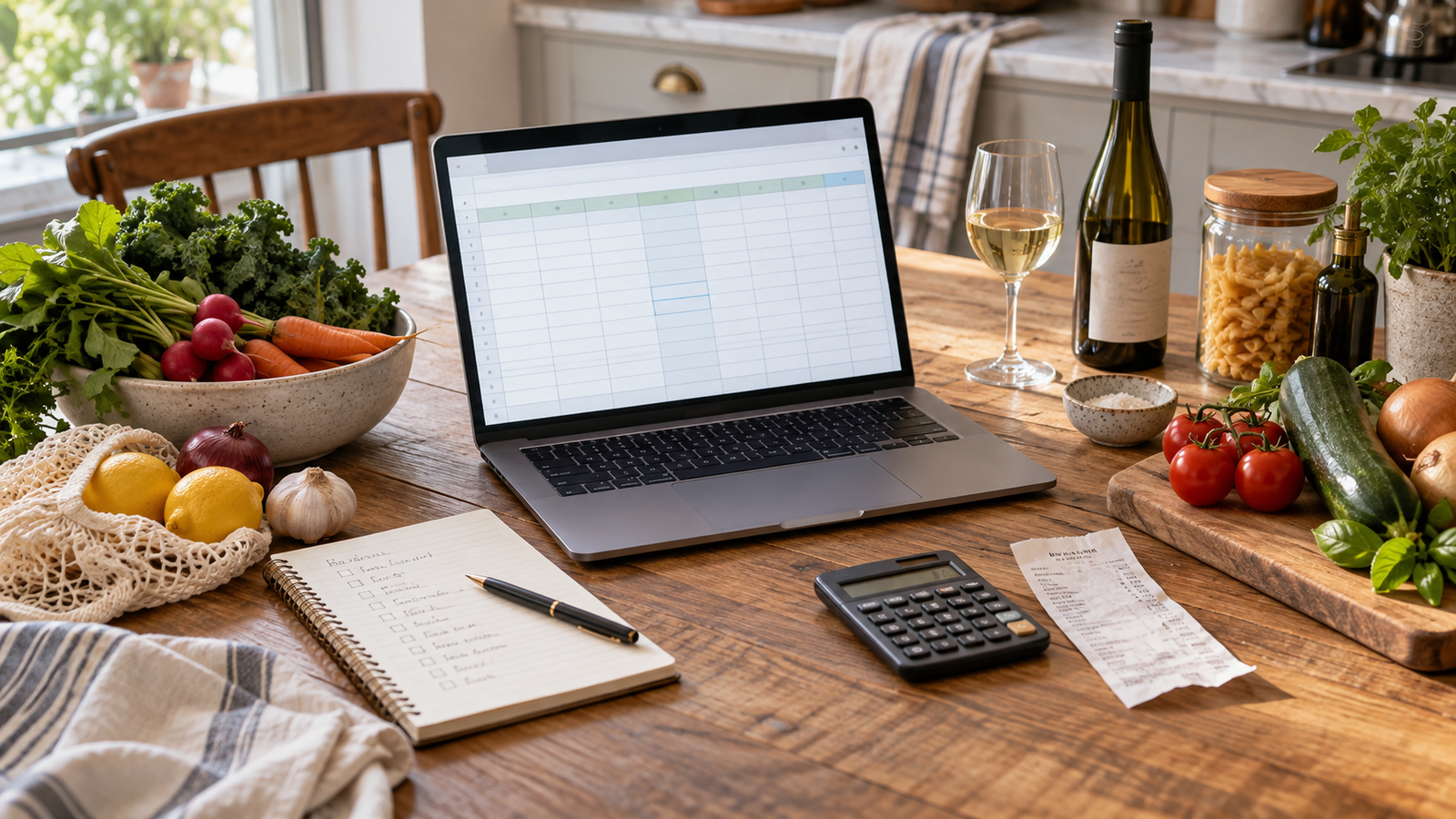
Food spending is easier to understand when weekly groceries, pantry restocks, hosting, and wine are not forced into one vague total. A useful spreadsheet should answer a few practical questions without turning every meal into an accounting project.
Start manually and keep the categories small. Automation can reduce data entry later, but the structure should still make sense when you can see every row and explain every category yourself.
Begin with the decisions the sheet should support
A spreadsheet is useful only when it changes a real choice. Before building columns, write down the questions you want to answer: how much is left for the next grocery shop, whether a gathering fits this month's plan, which pantry purchases repeat, and whether wine spending is crowding out food or alcohol-free options.
Do not begin by importing every transaction. Begin with one month and the few decisions that regularly feel uncertain. The smaller frame makes it easier to notice whether the sheet is helping or merely creating another routine to maintain.
- Name the period: week, month, or one gathering.
- Choose no more than four primary spending groups.
- Write the decision each group should clarify.
- Set a review date before adding more detail.
Separate the four kinds of table spending
Ordinary groceries support the next several meals. Pantry restocks replace long-use basics such as oil, rice, spices, coffee, and flour. Hosting covers the extra food, flowers, ice, serving supplies, and alcohol-free drinks bought for guests. Wine belongs in its own group so the cost remains visible and optional.
These groups do not need to be morally ranked. Their purpose is to show what happened. A high hosting month may be completely intentional, while a pantry restock can make an ordinary grocery week look unusually expensive. Separation prevents the wrong conclusion.
- Groceries: food for ordinary meals and packed lunches.
- Pantry: longer-use staples and planned replacements.
- Hosting: costs created by a specific gathering.
- Wine and drinks: wine, beer, mixers, and complete alcohol-free choices.
Build the smallest sheet that can stay current
A simple manual version needs only a date, merchant, amount, category, and short note. Add an event column if you host often, because it lets one dinner or holiday be reviewed without creating dozens of categories. Add a planned amount only when you will compare it with the final total.
Keep receipts only when they answer a later question. Splitting one supermarket receipt into food, household supplies, and wine can be useful; separating every herb and onion rarely is. Choose a level of detail you can maintain after a busy week.
- Date and merchant identify the purchase.
- Amount shows the money that left the budget.
- Category explains the job of the purchase.
- A short note records an event, unusual restock, or shared cost.
Set limits before opening the shopping cart
A limit works better as a planning boundary than as a punishment after the fact. Give ordinary groceries a weekly or monthly range, then give a gathering its own amount before choosing the menu. If wine is part of the table, decide its amount alongside food and alcohol-free drinks rather than adding it after everything else.
When the plan is too large, reduce the number of dishes, protect one centerpiece, and use ingredients across more than one meal. The sheet should point toward a simpler plan, not merely record an expensive one.
Review the pattern without policing every meal
Use a short monthly review. Look for purchases that disappeared unused, ingredients bought twice, event costs that were not anticipated, and categories that are too broad to explain anything. Also note what worked: a pantry staple that prevented takeout, a menu that served the right amount, or a bottle budget that made choosing easier.
Change one category or limit at a time. A sheet becomes less trustworthy when categories are constantly renamed or old transactions are rewritten to make the month look better. The goal is a clearer next decision, not a perfect historical score.
- Keep categories stable long enough to reveal a pattern.
- Compare similar weeks and similar gatherings.
- Record waste and leftovers separately from price alone.
- Save one practical adjustment for the next shop or event.
Decide whether an automated spreadsheet is worth it
A manual Google Sheet or Excel workbook is enough when purchases are limited and you already review receipts. An automated tool may be useful when repeated data entry is the reason the sheet falls behind, when several accounts make the picture hard to assemble, or when you want transactions and balances in a spreadsheet you can customize.
Tiller says it can connect eligible U.S. financial accounts through Plaid or Yodlee and send transactions and balances into Google Sheets or Microsoft Excel. Institution refreshes and some spreadsheet updates can still require attention, so automation does not remove the need to review categories or reconnect an account. Check current eligibility, pricing, trial, and platform details directly before signing up.
The better test is not whether automation looks impressive. Ask whether it will save enough time to justify a paid subscription and whether you are comfortable connecting the accounts involved. If not, keep the manual sheet and schedule a ten-minute weekly update.
Keep privacy, access, and cancellation visible
Any service that connects to financial accounts deserves a separate privacy and security review. Read the current privacy policy, confirm which accounts are actually necessary, use strong account protection, and understand how the connection can be removed. Avoid linking an account simply because it is available.
Tiller states that its financial-data access is read-only and that it does not sell customer financial data to advertisers. Those are provider statements, not a substitute for your own review. Confirm the current policy and the permissions shown during setup, especially if the spreadsheet may be shared with another person.
Save one monthly note for the next table
At the end of the month, write one sentence about the next useful change. It might be a lower event budget, a larger allowance for a recurring pantry restock, a separate line for alcohol-free drinks, or a decision to stop tracking details that never affect a choice.
A good food budget should make shopping and hosting calmer. Keep the sheet small enough to trust, let the categories reflect the way your household actually eats, and use automation only when it supports that purpose.
 Bring everyday money into one flexible spreadsheet